If it's your first time, it's only natural to want to know what happens at each step before you upload photos and pay. This guide walks through the whole path — from your first tap on “create” to the moment your person opens the gift — and explains what to do if something doesn't go as planned. Company details, payments and refunds are covered in is LovePanda legit?.
How LovePanda works in 8 steps
- Choose your gift — Retrospective or Album.
- Gather your material — photos, your song, the date you got together and a draft of your letter.
- Answer 5 questions on your phone — Panda, LovePanda's mascot, asks for one thing at a time, and the gift builds itself from your answers.
- Check the preview — you see the gift before you pay.
- Choose a plan — the content is the same; what changes is how long it stays online.
- Pay — card or digital wallet, one-time payment.
- Get the link and QR Code — on the final screen and in your purchase email.
- Deliver it and, if you want, edit it later — from the dashboard, depending on your plan.
1. Retrospective or Album: which one should you pick?
- Animated stories
Couple Retrospective
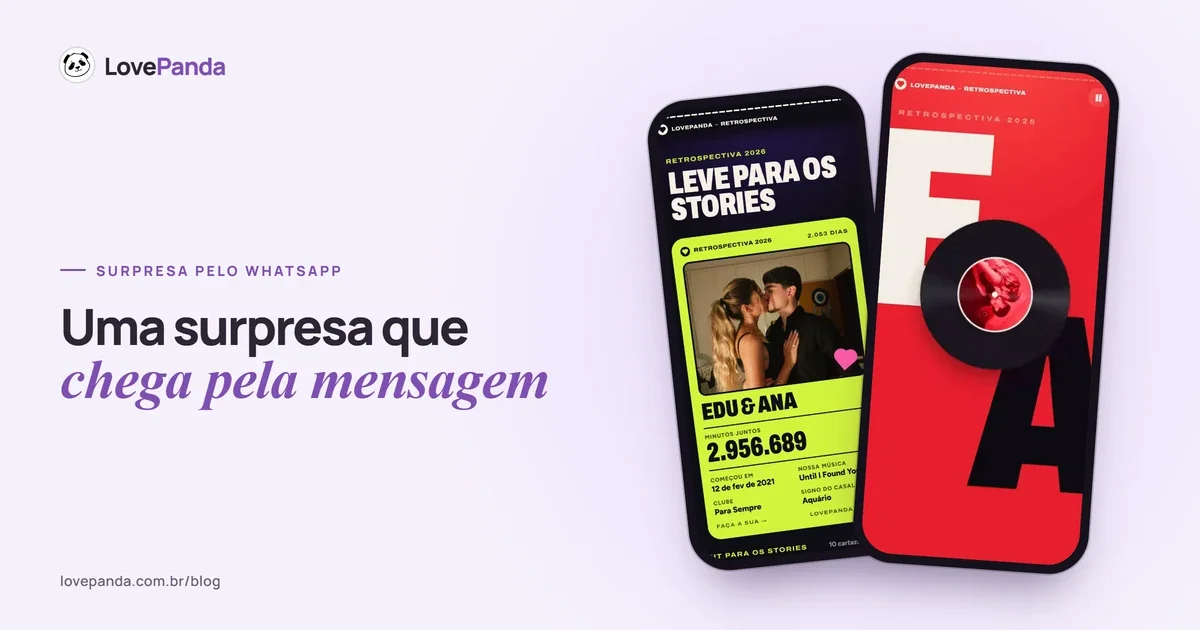
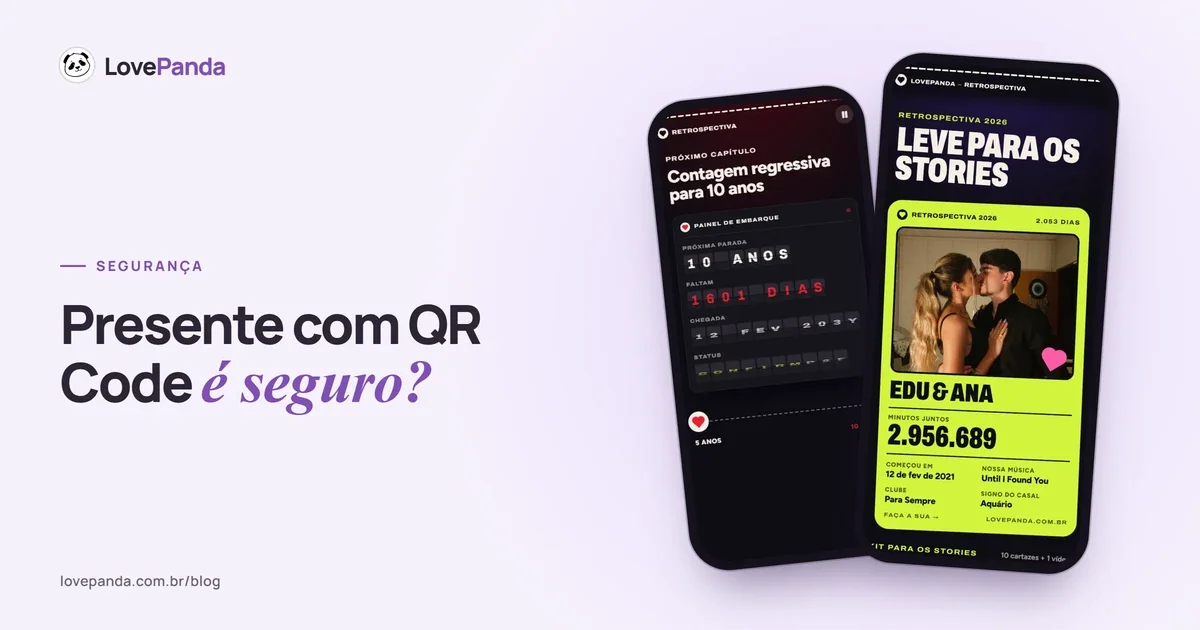
It opens on a page with your song, your photos and a counter of your time together; from there, your person steps into 15 stories-style screens that build themselves: minutes together ticking up live, your love in numbers, your song on a cassette tape, a quiz about the day it all began, the moon that night and your letter with a wax seal. If you want, you can add chapters like a timeline, a star map and a secret word.
See the Retrospective - A book to flip through
Couple Album
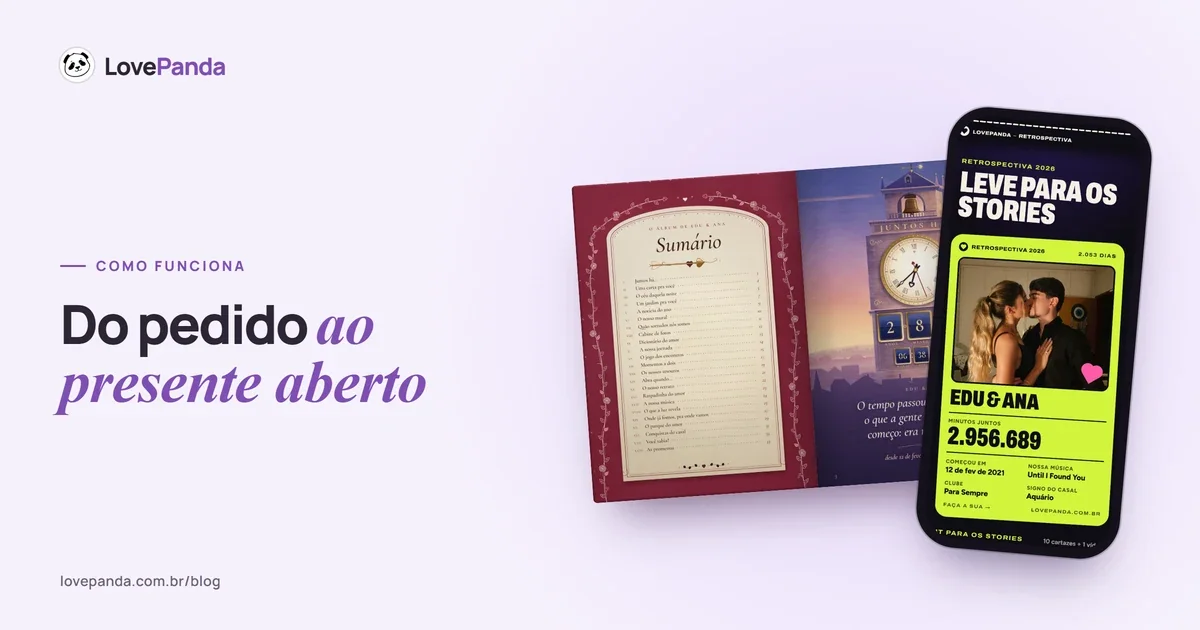
A 3D book to flip through on a phone, with pages that turn like paper. It comes already put together with your photos — an illustrated cover with your picture, a table of contents, your time together and the letter in a sealed envelope — and you can add pages like The sky that night, Where we've been, where we're going, Open when…, a love scratch card and a jigsaw puzzle.
See the Album
In one sentence: the Retrospective is made to be watched with the sound on; the Album, to be leafed through slowly. If you're torn, our Couple Album vs. Couple Retrospective comparison helps by occasion and by type of couple — and nothing stops you from making both. The details of each are in how to make a relationship Wrapped and in our guide to the digital couple photo album.
2. What to gather before you start
- Photos — the creation flow asks for 1 to 6, and the first one becomes the cover. Chapters like the camera roll and the timeline take more. Start with the ones that tell your story: your first photo together, the one from that trip, the blurry one from the concert.
- Your song — you search by song title or artist; it comes from YouTube and plays inside the gift.
- The date (and the time, if you remember it) you got together — it powers the counter, the moon that night and your relationship milestones. Don't remember the exact day? You can enter just the month and year.
- A draft of your letter — three or four short paragraphs are plenty.
- Dates and places, if you'll use chapters like the timeline, the star map or places on the map.
Your draft is saved on your phone while you create. If you need to stop halfway, the creation flow offers to email you a link that opens exactly where you left off — even on a different device.
3. What building the gift on your phone is like
You create everything right on the site, in your browser, with nothing to install. Panda asks one question per screen: your name and your partner's, the day you got together, your song (search by title or artist), 1 to 6 photos and your letter. With those 5 answers, the Retrospective comes out ready, with 15 screens. The extra chapters — Timeline, Star map, Secret word, Camera roll, Places on the map, Surprise wheel and, in season, Christmas — are optional, and each one has its own screen to fill in. For the Album, the same answers build the book with your photos, and you pick the extra pages while seeing how each one looks.
For the letter, you can write from scratch, start from a ready-made line or take a suggestion and rework it in your own words. At checkout, you'll be asked for your email: that's what gives you access to the dashboard later, and it's where the link and QR Code are sent. Made a mistake? Go back to that step — nothing goes live before payment.
4. The preview: see the gift before you pay
Before choosing a plan, you see the finished gift in the preview, exactly the way your person will see it: the screens with your photos, your song and your date. After payment, the gift goes live at the link and QR Code.
Use the preview to check three things: the date (the counter depends on it), the order of your photos and whether the song is the right version. If something's off, go back and fix it before moving on.
5. How much does it cost, and what's the difference between plans?
The plan doesn't limit the content: the gift has the same parts and the same photo limits on every plan. What changes is how long it stays online — and, with the Retrospective's Complete plan, what comes with it.
| Product | Plan | What's different |
|---|---|---|
| Retrospective | For 24 hours | Stays online for 24 hours, counted from activation, right after the payment is confirmed |
| Retrospective | Forever | Stays online forever, and you can edit it from the dashboard whenever you like |
| Retrospective | Complete | Everything in Forever + visit alerts by email + a printable couple card (4 styles, with the QR Code) + prints with your photos in high resolution + QR Code art, all as digital files |
| Album | For 24 hours | Stays online for 24 hours from activation |
| Album | Forever | Stays online forever; edit it whenever you want |
The Retrospective starts at the price shown on the pricing page and the Album at the listed price, always as a one-time payment, with no subscription. The price of each plan is on the pricing page, and our guide to how much a couple retrospective costs helps you choose. Nothing is physical: LovePanda doesn't ship prints, books or printed cards — the Complete plan's files are yours to print wherever you like.
6. Paying by card or digital wallet
- Card, Apple Pay, Google Pay or PayPal — the checkout shows the methods available for your country. Your payment details go straight to a specialized payment provider, which processes the payment; your full card number isn't stored on LovePanda's servers.
- Fast confirmation — confirmation usually takes just a few seconds. Stay on the page: it unlocks the gift as soon as the payment is confirmed.
- One-time payment — there's no monthly fee and no recurring charge. The checkout shows the total, including any add-ons, before you confirm.
Paid and the gift didn't unlock? Don't pay again. Check the status in your dashboard and, if the charge already shows on your account, contact support through the site chat with your receipt handy.
7. Going live: the link, the QR Code and the email
Once the payment is confirmed, the gift goes live right away at its own address: lovepanda.co/gift/ followed by your names and a security code (something like lovepanda.co/gift/ben-amy-k7m2xq), so nobody stumbles onto it by accident. The final screen shows the link and the QR Code, with buttons to copy the link, download the QR Code as an image and share it in a text or on WhatsApp. The same link and QR Code arrive in your purchase email.
With the Complete plan, the prints, the couple card and the printable QR Code art are also waiting in your dashboard. The QR Code opens exactly the same gift as the link: you can print it on a card or show it on a screen. Ideas for where to hide the code are in gift with a QR Code, and the QR Code gift page shows what the delivery looks like.
8. What your person sees when they open the gift
The person receiving it doesn't need to download an app, create an account or pay anything: they just open the link or point their camera at the QR Code, and the gift opens in their phone's browser. The Retrospective starts on a page with your song, your photos and a counter of your time together; the Album appears closed, cover side up. On some phones, a tap is needed before the sound starts.
In the Retrospective, your person moves through the stories by tapping the right or left side of the screen, and holds a finger down to pause; at the end, a recap turns into an image to post to Stories. In the Album, pages turn with a swipe, like paper, and many of them react to gestures — scratching, spinning, putting pieces together. On phones that don't support 3D, the album opens in slide mode. Here's how the screens look:
The opening
Your story starts like a release: your record spinning, with your names on the cover.
To see both products from start to finish, open the real Retrospective example and the Album example.
After delivery: what you can do in the dashboard
The dashboard is your space on LovePanda. You sign in with the email you used to buy and an access code sent to it. All your gifts live there, and you can:
- Edit photos, text and music — on Forever, whenever you like; on For 24 hours, while the gift is online; for the Album, within your plan's editing window. The link stays the same.
- Copy the link and download the QR Code again whenever you need to.
- Keep it forever: upgrade a 24-hour Retrospective by paying the upgrade price shown in the dashboard. If it has already gone offline, the same link works again, with everything you created.
- Keep the Album forever, if you chose the 24-hour plan.
- Download the Complete plan's files and get visit alerts: an email the first time each device other than yours opens the gift (up to 5 a day, with no location shown).
Lost the link? It's in your dashboard and in your purchase email. In the site chat, the “find my gift” option also locates your order once you confirm your email.
If something goes wrong: support and guarantee
- Site chat — the main channel for questions about your order, payment and editing.
- Email — support@lovepanda.co, also listed on the support page.
- 7-day guarantee — a full refund within 7 days of purchase, under the terms. Include the email you used to buy.
- Deletion — if you want the gift and the photos deleted, ask support; the link and QR Code stop working.
What if the person receiving it is wary of a QR Code? A legitimate gift never asks the person opening it for anything — we explain how to check in is a QR Code gift safe?.
FAQ: how LovePanda works
Once the path is clear, what makes the difference is the content: the photos only the two of you have, the right song and an honest letter. LovePanda puts the rest together.

Written by
Equipe LovePanda
Especialistas em Presentes Digitais
A Equipe LovePanda escreve sobre os presentes que desenvolve: Retrospectiva e Álbum do Casal. Compartilhamos orientações de personalização, diferenças entre os formatos e ideias para entregar uma surpresa com a história de vocês. A LovePanda é a maior plataforma de presentes digitais do Brasil, com mais de 200.000 presentes criados desde 2024.
Explore our gifts
Discover our personalized digital gift options