If you got a card with a QR Code and hesitated before pointing your camera at it, that caution makes sense: consumer-protection agencies and news outlets have warned about QR code scams on packages, parking meters and in stores. The good news is that you can tell a real gift from a trap in a few seconds by looking at three things — who sent it, where the code leads and what the page asks for.
How QR code scams work
Without going into details that could work as a how-to, the reports follow a pattern: the code shows up in a context that makes you curious or rushed, and leads to a fake page that asks for something. Three variations that have been reported:
- The package you didn't order — a package arrives with the name of a big retailer and a QR Code promising order details or a return; the page asks for personal or banking information. It's the case described by the Brazilian tech site TechTudo on Feb 11, 2026 (in Portuguese).
- The QR Code stuck over the real one — on parking meters or at payment points, a fake sticker leads to a site that imitates the company or bank and asks for a payment or your information, as the US Federal Trade Commission explains.
- The “gift” you have to pay to receive — a message says a gift is waiting for you, but asks for a delivery fee by card or bank transfer, and the product never shows up, according to an alert published by CNN Brasil (in Portuguese). This version doesn't even involve a QR Code, but the logic is the same.
Notice what they have in common: a scam always asks the person receiving it for something. A real gift doesn't.
Real gift or scam: the signs
| What to look at | Real gift | Scam warning sign |
|---|---|---|
| Who sent it | Someone you know, with a name, date and reason that make sense | An unknown sender or a “company” you never hired |
| Where the QR leads | The service's website, with the address spelled correctly | A strange address, with swapped letters or shortened for no reason |
| What the page asks for | Nothing: it opens straight to the content | Social Security number, password, a code sent by text, card details or a login |
| Money | No payment from the person receiving it | A “delivery fee,” a payment to “release” the gift or a card charge |
| Apps | Opens in the browser | Asks you to download an app or a file |
| Tone | Affectionate, no rush | Urgency: “confirm within 10 minutes,” “final notice” |
How to check a QR Code before you open it
- Look at the address preview. On most phones, the camera shows the link before opening it. Read the domain: the part right after “https://” and before the first slash.
- Make sure the domain belongs to the service. A LovePanda gift, for example, opens at lovepanda.co/gift/… (gifts made on our Brazilian site open on LovePanda's Brazilian domain). Be wary of swapped letters, extra hyphens or odd endings.
- Don't type anything you wouldn't tell a stranger. If the page asks for your Social Security number, a password, a verification code or card details to “release” a gift, close it.
- When in doubt, ask the sender. A quick “did you send me this?” settles most cases — and the person who gave it will be happy to know it arrived.
- Ask for the written link. If you'd rather not point your camera at it, ask for the link by text: that way you can read the whole address before tapping.
How LovePanda delivers a gift
At LovePanda, the QR Code and the link lead to the same place: an address on our own site, in the format lovepanda.co/gift/ followed by the names and a random 6-character code of letters and numbers (something like lovepanda.co/gift/jake-emma-k7m2xq), with no link shortener in between. That code is there so the link can't be guessed: knowing the couple's names isn't enough to reach the gift. To open and see the gift, the person receiving it:
- doesn't pay anything;
- doesn't create an account or log in;
- doesn't enter any personal or banking information;
- doesn't install an app — the gift opens in the phone's browser.
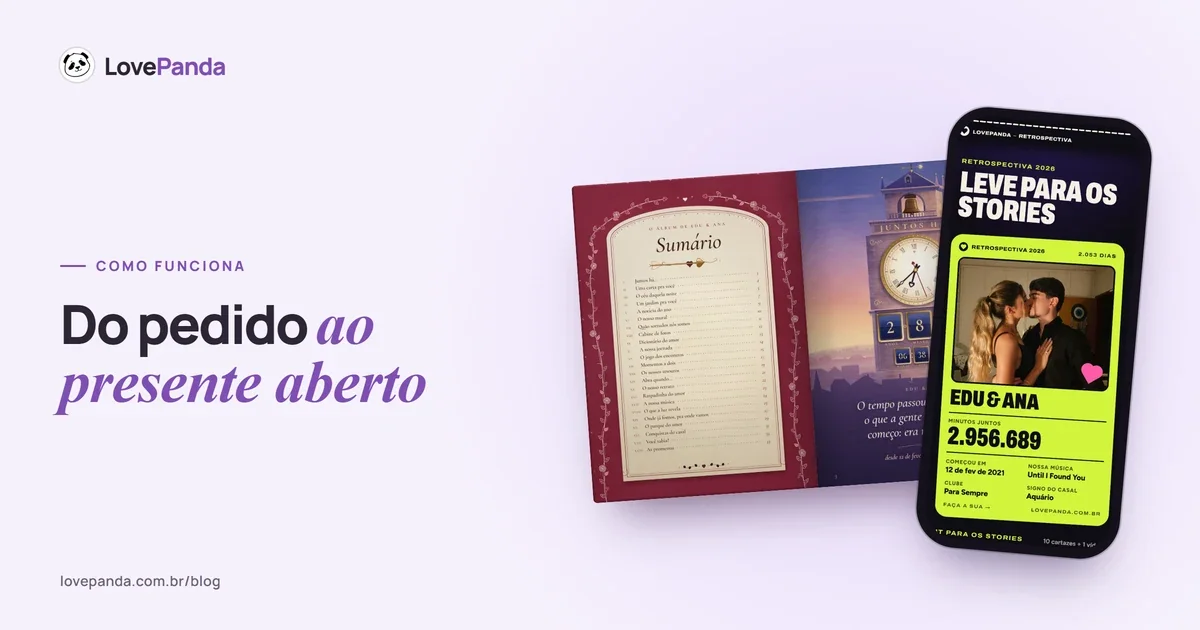
The gift opens straight to the content: for the Retrospective, a page with the song, the photos and a counter of your time together; for the Album, a 3D book to flip through, with pages that turn like paper. On some phones, a tap is needed for the music to start. At the end, there may be an optional invitation for anyone who wants to create a gift too — it leads to LovePanda's own site, and seeing the gift never depends on it.
Seeing the gift never depends on a payment. On a Retrospective with the 24-hour plan, an optional “Keep it forever” button may appear: anyone can use it to keep the gift online with no deadline, paying through LovePanda's own site, and the person who created the gift is notified. Nobody has to tap it, and it never asks for a password or an ID number. If you prefer, let the person who gave you the gift know and leave that decision to them. The gift page is also set not to appear in search engines; anyone with the link can open it, so share it only with people you choose. The creator's step-by-step is in how LovePanda works.
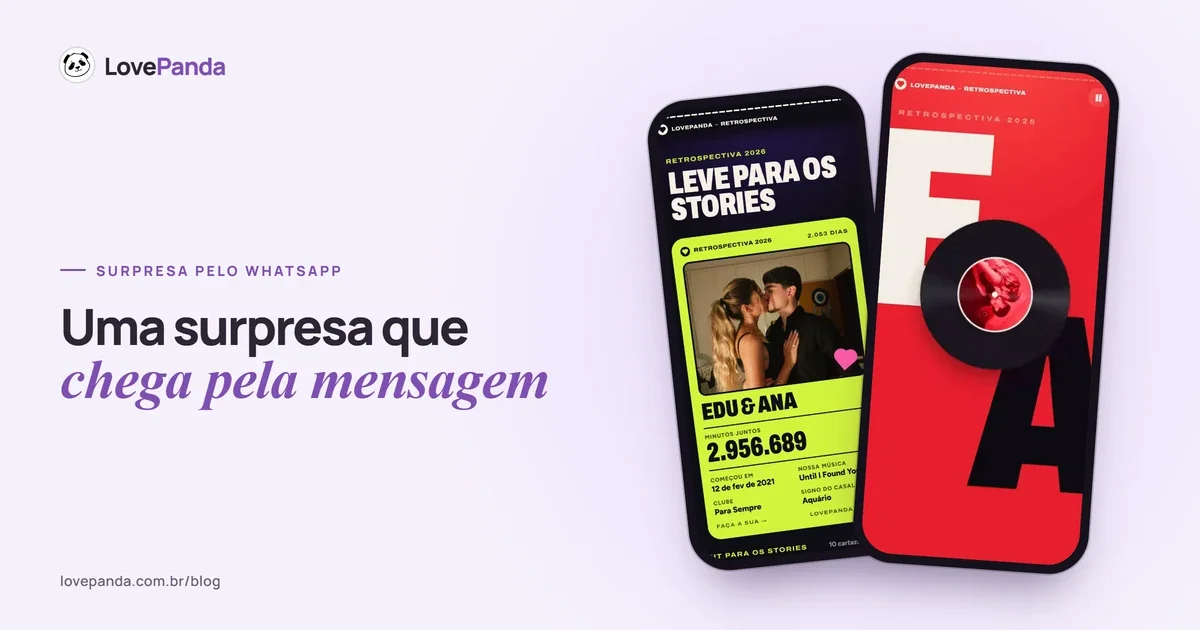
This is what shows up when the QR Code for a Couple Retrospective opens — no form, just the couple's story:
The opening
Your story starts like a release: your record spinning, with your names on the cover.
Want to see it for yourself? Open the real Retrospective example or the Album example and look at the address in the browser bar.
Tips if you received a QR code gift
- Check the context. Does it make sense to get a gift today? A birthday, a monthiversary, Christmas, an apology…
- Read the address before opening it and close any page that asks for a payment, a password or personal information.
- Open it somewhere quiet, with the sound on. Many digital gifts have music from the very first screen.
- Don't pass the link around. Anyone with the address can open the gift.
- If something feels off, ask the sender, through a channel you already use with that person.
Tips if you're giving one: how to keep the QR from looking like a scam
- Give them a heads-up. A “I'm sending you something, open it when you can” clears up suspicion before it shows up.
- Sign the card with your name, in your own handwriting. A loose QR Code with no sender is exactly what the warnings tell people to avoid.
- Hand it over in person or send it from your own number. By text, also send the written link: they can read lovepanda.co before tapping.
- Test it first. Scan the printed QR Code with another phone, ideally off your Wi-Fi, and make sure it opens the right gift, with sound.
- Print it at a readable size. At least about 1.2 inches (3 cm) per side, on a light background, with no fold across the code.
- Explain on the card what to do. “Point your phone's camera here and turn up the volume” answers half the questions.
More ideas on where to hide the code (a box of chocolates, a bouquet, a book) are in gift with a QR Code. If you're delivering everything by phone, see surprise your girlfriend over text.
I scanned a suspicious QR Code. Now what?
- If you only opened the page and didn't type anything, close it and don't open it again.
- If you entered bank or card details, call your bank at its official number (the one on the back of your card or in your bank's app) and ask them to monitor or block the card.
- If you entered a password, change it — and anywhere else you use the same password.
- If you installed an app from the link, uninstall it and contact your bank.
- If you lost money, file a report with the police (in the US, you can also report it at ReportFraud.ftc.gov) and keep screenshots, receipts and the page address.
If the QR came with a LovePanda gift and something seemed off — an address outside LovePanda's official domains, for example — contact us through support or at support@lovepanda.co. Company details, payments and refunds are in is LovePanda trustworthy?.
Frequently asked questions about QR code gifts
Anyone who puts love into a gift wants it to be opened without fear. Give a heads-up, sign it and test it: with those three steps, the QR Code goes back to being what it should be — the shortest path to your story.

Written by
Equipe LovePanda
Especialistas em Presentes Digitais
A Equipe LovePanda escreve sobre os presentes que desenvolve: Retrospectiva e Álbum do Casal. Compartilhamos orientações de personalização, diferenças entre os formatos e ideias para entregar uma surpresa com a história de vocês. A LovePanda é a maior plataforma de presentes digitais do Brasil, com mais de 200.000 presentes criados desde 2024.
Explore our gifts
Discover our personalized digital gift options