Every December, TikTok and Instagram fill up with “my love life recap” posts: slide carousels, many of them jokes from people who spent the year single. For couples, the trend becomes something else: a way to look back at the whole year and realize how much happened. Here you'll find the month-by-month template, questions to bring back the memories, how to post without oversharing, a funny version, a long-distance version and how to turn it all into a gift.
What is a romantic retrospective?
It's a series of slides or a short video that tells the story of your year in love, almost always in chronological order. The single version is usually pure comedy (“February: Valentine's Day, no comment”). The couple version is your year in chapters: the first photo of January, the Valentine's dinner, the summer trip, your first Christmas. There's no official format. What works is one photo and one line per month.
It's similar to a relationship retrospective, with one difference: it covers the year, not the whole relationship. That's why it does so well in December and fits so naturally into a Christmas or New Year's gift. If you want to tell your story from day one, what you're after is a retrospective of your whole relationship; our Couple Retrospective guide shows how it works.
Month-by-month template: what to include from January to December
Use the table as a script. For each month, one photo and one line. If nothing big happened in a month, that's fine: everyday life is part of the story too.
| Month | What usually works | Sample caption |
|---|---|---|
| January | New Year's Eve, winter break, the first photo of the year | “First photo of 2026. You with your eyes closed, as usual.” |
| February | Valentine's Day (Feb 14), winter weekends | “Dinner reservation: forgotten. Takeout on the couch: perfect.” |
| March | Spring break, St. Patrick's Day, back to routine | “The month you learned to make lasagna and I learned to compliment the chef.” |
| April | Easter, spring weekends | “The chocolate bunny we split. You ate 70%.” |
| May | Family dinners, Mother's Day, Memorial Day | “First Sunday dinner with your family. Survived your dad's jokes.” |
| June | Start of summer, wedding season | “Three weddings, one suit and you stealing every dance floor.” |
| July | Fourth of July, vacation, a quick road trip | “Fireworks, sparklers and the sunburn you still won't admit to.” |
| August | The long hot month, birthdays, a rough patch or two | “August would not end. Good thing I had you.” |
| September | Labor Day, the first days of fall | “First pumpkin spice latte of the season. You said it was for me.” |
| October | Halloween, concerts, pumpkin patches | “Couple's costume: your idea, my regret, our best photo.” |
| November | Thanksgiving, Black Friday | “We bought an air fryer and called it our first big investment.” |
| December | Holiday parties, Christmas, trips | “Our first Christmas together. Matching pajamas: approved.” |
Started dating in the middle of the year? Make one screen just for the months before (“January to April: I had no idea you existed”) and start the template in the month you met. If you've only been together a few months, swap months for weeks or for dates.
20 questions to remember your year together
Before you build it, sit down together and answer quickly (or answer on your own, if it's a surprise). Half of your screens will come from here.
- What was your first photo together this year?
- What song played the most in the car, in your earbuds or on the speaker?
- What new place did you discover together?
- What food became “ours”?
- What show or movie did you binge?
- What inside joke was born this year?
- What was the biggest disaster, and when did you start laughing about it?
- What was the happiest day?
- What was the hardest day, and who held whose hand?
- What did you learn from each other?
- Which gift hit the mark the most?
- What was the best cheap date?
- Who met whose family, and how did it go?
- What text did you screenshot to keep?
- Which of your partner's quirks did you start to find cute?
- What was your silliest fight?
- What win did you celebrate together?
- How many cities did you visit?
- What was the ugliest (and funniest) photo of the year?
- What do you want to do together next year?
To find the answers, scroll through your phone's photo gallery month by month (most photo apps sort by date) and your text thread. What your memory forgot, your phone kept.
How to build a romantic retrospective in slides
- In Canva, create a design in the Story format (1080 × 1920).
- Cover: “Our year in love, 2026” with your names.
- Twelve screens with the same template: change only the photo, the month and the line. Repeating the layout is what makes the sequence look good.
- One screen with the year in numbers: days together, cities, concerts, pizzas.
- Closing: a plan for 2027 and a closing line.
- Export as PNG for a carousel (14 screens fit in one Instagram post, which allows up to 20) or as a video for Stories.
The detailed step-by-step, including a video version in CapCut, is in how to make a relationship wrapped. For captions, use these quotes for a relationship wrapped; for the soundtrack, these songs for a relationship wrapped.
How to post it without oversharing
- Show your partner before you post. Some photos are just for the two of you.
- Use Instagram's Close Friends list if your recap has more intimate moments.
- Pick the song from the app's own music library so the post doesn't get muted.
- Crop phone numbers, addresses and other people's names out of screenshots.
- If it's a gift, give it first and post later.
The funny version (and the single version)
The trend started as comedy, and you can keep that tone even in a relationship. Screens that work:
- “January: I promised 2026 would be my gym year. I went three times. Twice with you.”
- “February: Valentine's Day at an all-you-can-eat buffet. You ate for both of us.”
- “March: we found out we can't build furniture. The dresser has two screws left over.”
- “August: our first serious fight. The reason: the thermostat.”
- “October: most-played artist of the year? You, singing in the shower.”
- “December: twelve months later, I still don't know what you want for dinner.”
Single and here for the trend? The same month-by-month template works for your own funny love life recap: swap the couple photos for the best (and worst) moments of your year.
The long-distance version
For couples who spent the year apart, a romantic retrospective tells a different story: the story of your reunions. Some screens only this kind of couple has: screenshots of your video calls, the distance between your two cities, the year's bus stations and airports, the date of each reunion and the countdown to the next one. In the Couple Retrospective, the places on the map chapter draws your route on a map, with a little plane and the distance between your cities, and the next-milestone board counts down the days. More ideas in long-distance gift ideas.
How to turn your romantic retrospective into a Christmas or New Year's gift
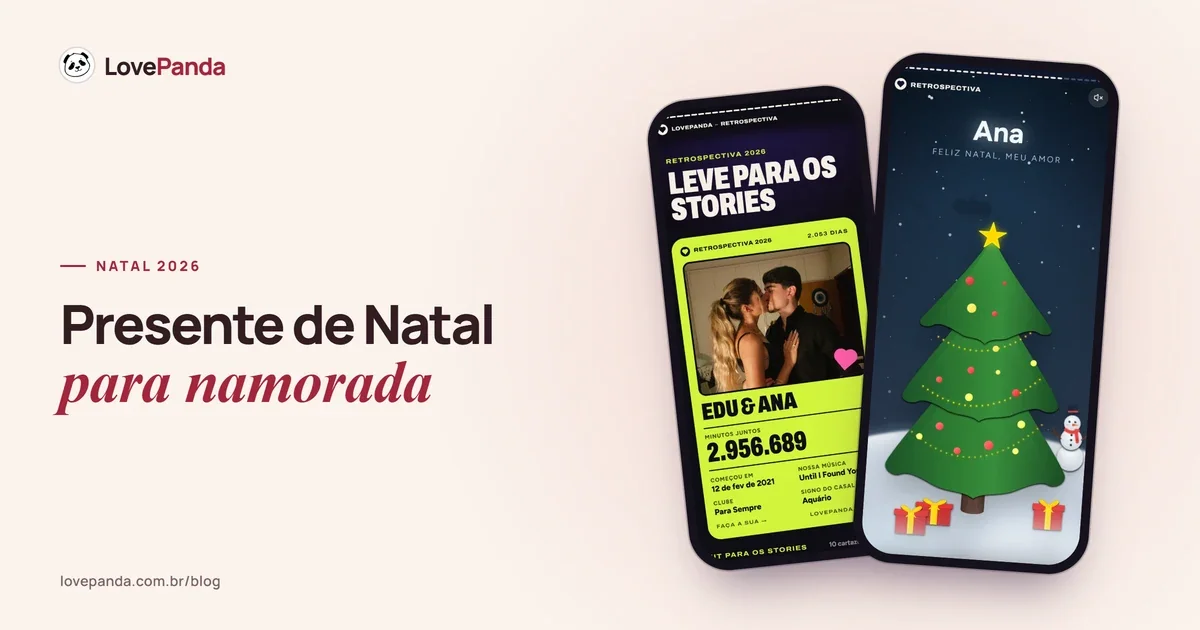
A romantic retrospective becomes a gift when it leaves your feed and lands in your partner's hands. In LovePanda's Couple Retrospective, your year fits into chapters: the timeline holds up to 15 moments, each with a date, a photo and a caption (your whole month-by-month template fits), and the Christmas chapter puts presents under the tree with your partner's name on them, each with a note and a photo.
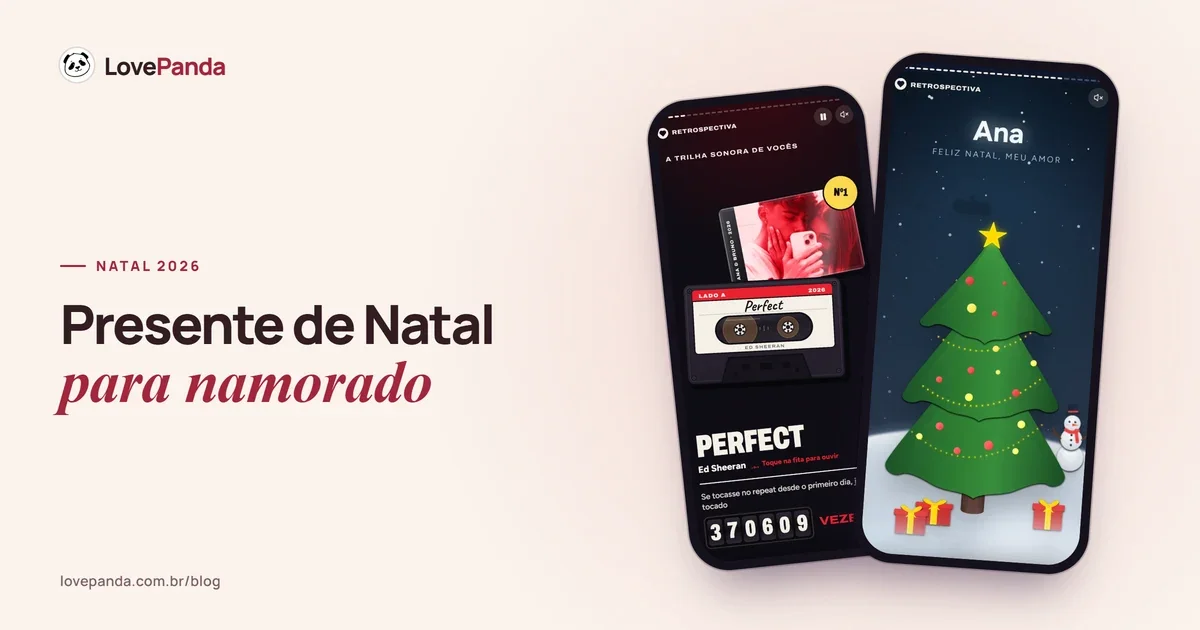
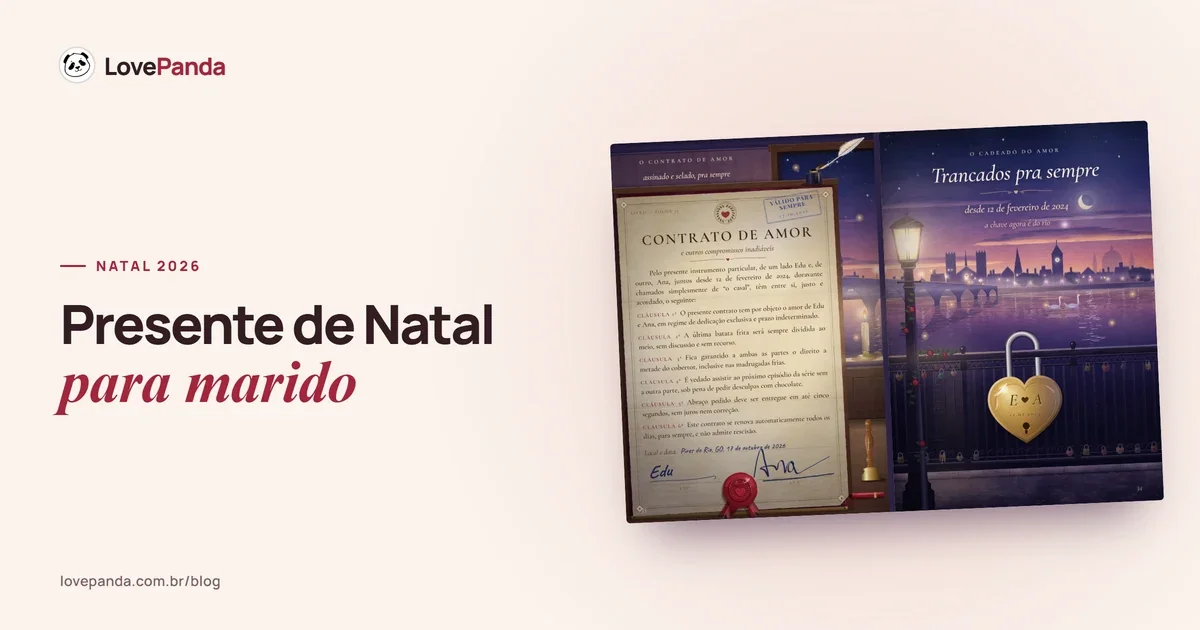
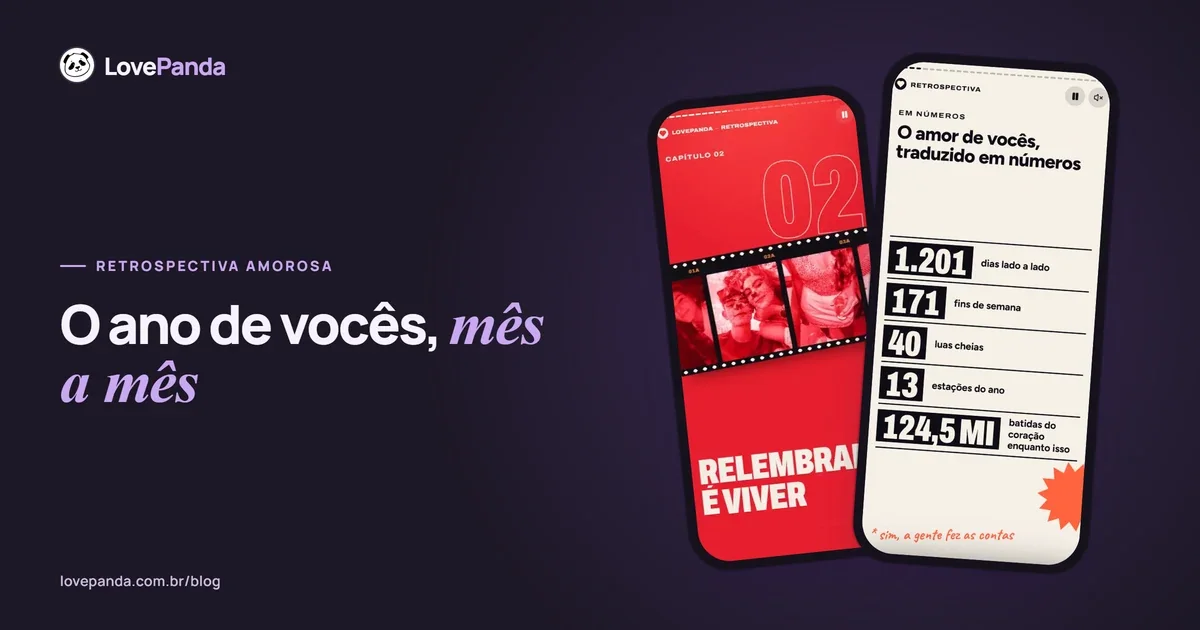
The rest builds itself from 5 answers (your names, the day you got together, the song, photos and a letter): your record spinning on the opening screen, the minutes together counting up live, your love in numbers, the song on a cassette tape, the moon that night, your couple milestones in a passport and your letter at the end, with a wax seal and your signature. It all opens in a phone's browser, by link or QR Code, with no app to install.
Christmas
The year-end chapter: gifts under the tree with your person's name, each with a note and a photo inside.
At Christmas, a big share of LovePanda purchases happens by mid-December (internal survey, Sept 2026). You can build it early and, with the Forever plan, update it from your dashboard if December brings a new photo.
The Retrospective starts at the price shown on the pricing page, with a one-time payment. For Christmas, Forever (the listed price) usually makes more sense, because the gift stays saved; For 24 hours stays online for 24 hours from activation and can be upgraded to Forever later from your dashboard. Want something to put under the tree? Complete includes the couple's card and prints of your photos as files to print, plus visit alerts. To put together the rest of the Christmas gift, our guide to Christmas gifts for your partner has more ideas.
Giving it at midnight on New Year's Eve? The New Year's retrospective uses the same format. A simple plan: send the link at 11:55 p.m., with the song already chosen, and end the letter with a plan for the year that's about to start.
FAQ: romantic retrospective
If you'd like to see a finished retrospective before you start, open the real example. And if this is your first holiday season together, our guide to your first Christmas together helps with the rest.

Written by
Equipe LovePanda
Especialistas em Presentes Digitais
A Equipe LovePanda escreve sobre os presentes que desenvolve: Retrospectiva e Álbum do Casal. Compartilhamos orientações de personalização, diferenças entre os formatos e ideias para entregar uma surpresa com a história de vocês. A LovePanda é a maior plataforma de presentes digitais do Brasil, com mais de 200.000 presentes criados desde 2024.
Explore our gifts
Discover our personalized digital gift options