“Digital photo album” has come to mean a lot of different things: the PDF proof a print shop sends before printing, the shared folder on your phone, a magazine-style flipbook and an interactive gift that opens from a link. They're all valid, but they serve different purposes. Below: how to pick the right type, and a step-by-step guide to putting together a couple's album on your phone in a single evening.
What is a digital photo album (and the types out there)
| Type | How the other person sees it | Best for | Limitation |
|---|---|---|---|
| Shared gallery | A grid of photos in a photos app | Saving everything from a trip or a year without choosing | No cover, no order, no letter: it's an archive, not a gift |
| Album PDF | Static pages, one below the other | Proofing before printing or sending by email | On a phone, they have to zoom and scroll; no music |
| Flipbook | A magazine with pages that turn on screen | Catalogs, portfolios and magazines | Built for businesses: no-cost plans come with branding and page limits |
| Interactive gift album | A book that opens from a link, with turning pages, a letter and music | Giving someone a gift on a special date | Not something to hang on the wall or hold in your hands |
If the goal is to store photos, a gallery does the job. If it's to print, a PDF is your route to the print shop. If it's to give as a gift, go for an album that opens like a book and says something beyond the photos: a letter, your song, a page your partner can play with. That last one is what the rest of this guide is about.
3 ways to make a digital photo album
- From scratch
In a design editor
You pick an album template, drag in your photos, write captions and download it as a PDF or image. You get total freedom, but every page is your job, and the result is a static file, with no music and no turning pages.
- To store
In a shared gallery
Your phone's photos app creates an album and generates a link. It's quick and costs nothing, but your partner sees a grid of photos, with no cover, no thought-out order and no message from you.
- To give
In a ready-made gift album
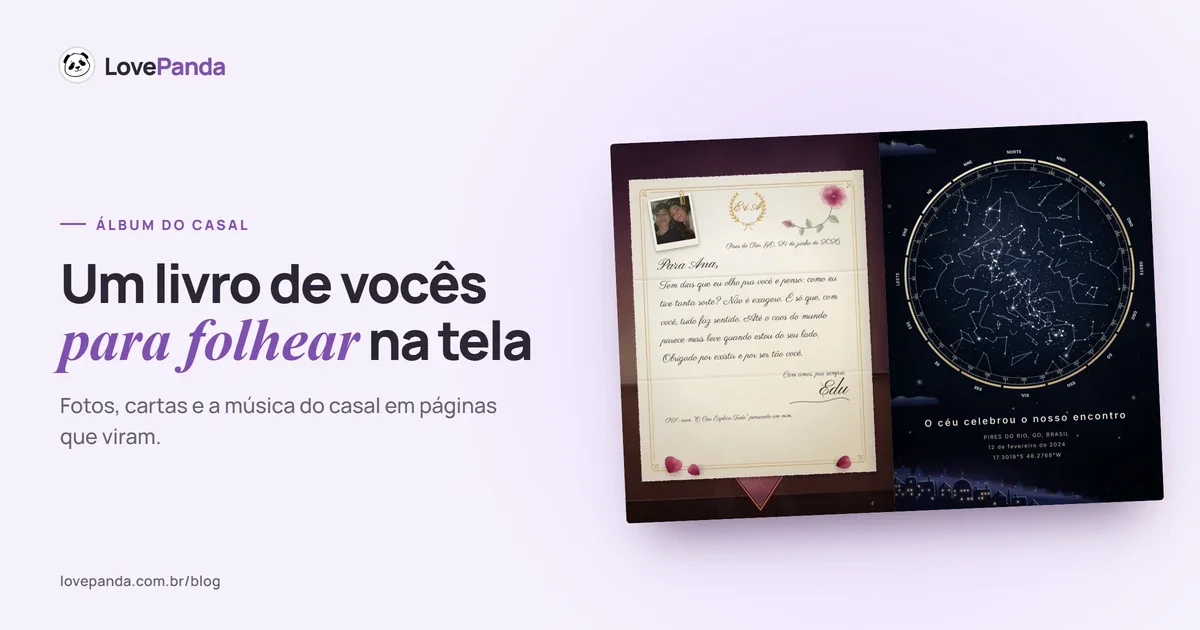
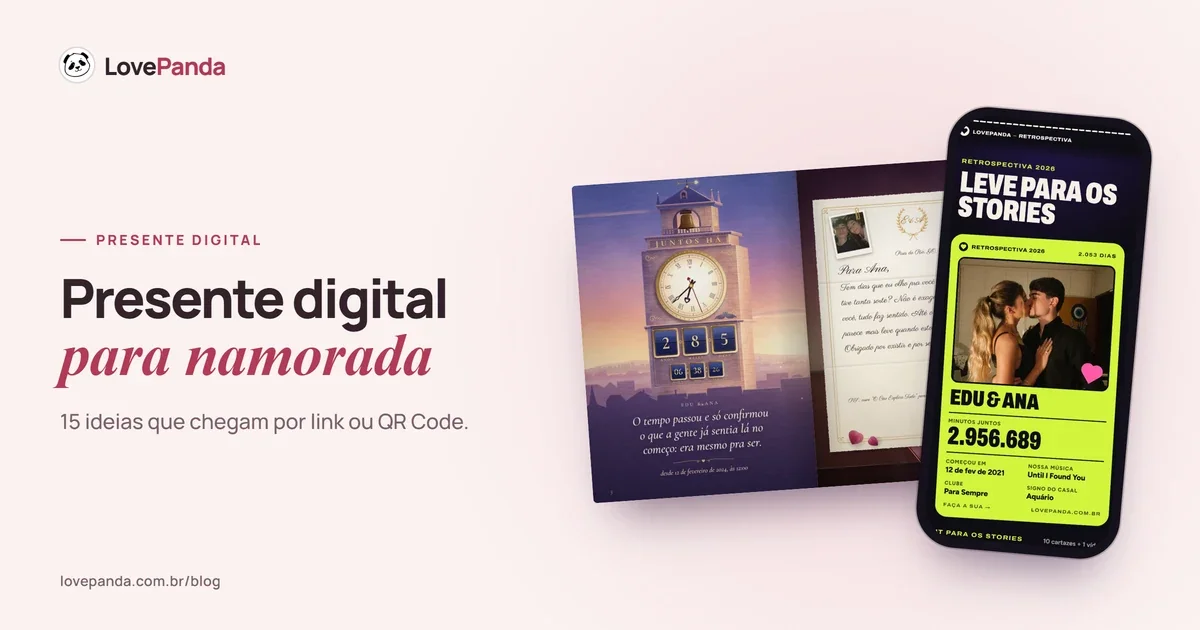
You answer a few questions and upload your photos; the album comes with a cover, a table of contents, a letter and pages to flip through, and it arrives by link or QR Code. That's what the Couple Album does.
See the Couple Album
Step by step: how to make a digital couple photo album on your phone
The walkthrough below follows the Couple Album, but the logic works for any tool: story first, then photos, finishing touches last.
- Choose the date that opens your story. Your first date, the day you asked, the day you became official. In the Couple Album, it becomes your time together counting up live, the newspaper from your first day and the sky that night.
- Pick your photos before you open any app. 10 to 20 make a full album; the Couple Album holds up to 30, and one is enough to get started. Mix a beautiful one, a funny one and an everyday one.
- Choose your song. Search by title, and it plays in a serenade inside the book. If you're not sure which one, our guide on how to choose your couple song can help.
- Write the letter. Two honest sentences beat a copied paragraph. It opens from a wax-sealed envelope, delivered by a carrier pigeon that flies in through the window.
- Choose the cover. The album has an illustrated cover with your photo in the middle, your names and the date; you pick the color, the photo frame and the lettering.
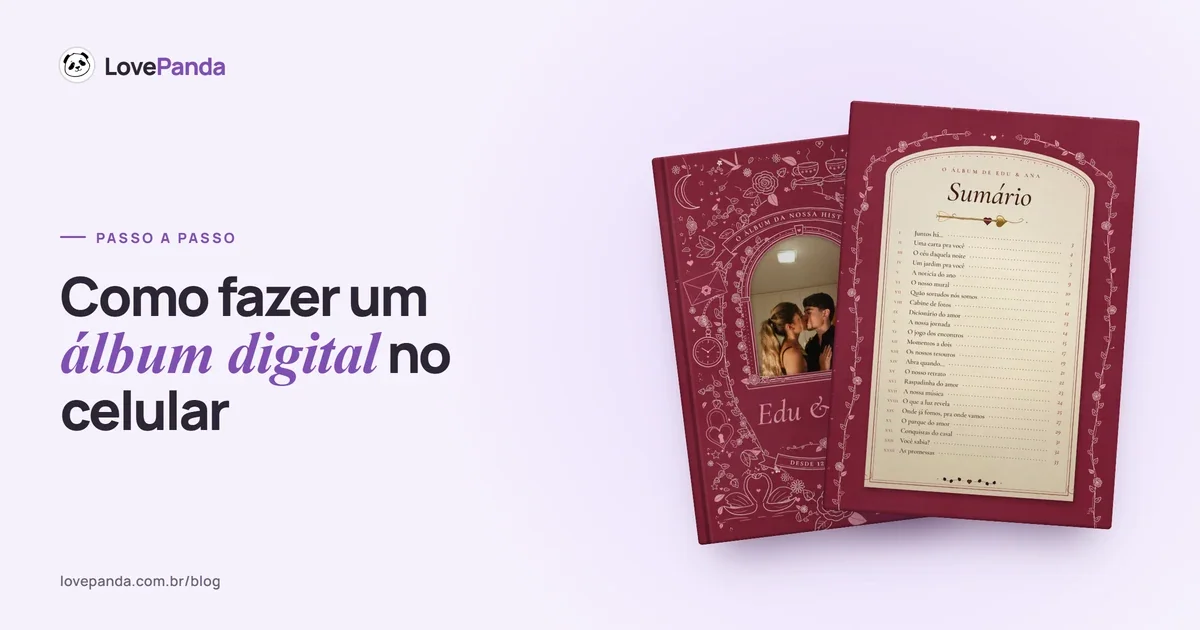
- Add the extra pages. Our journey, the date wheel, moments together, the “open when” letters, where we've been, where we're going and the love park: each one becomes a page, and the table of contents updates itself. The card deck, the photo booth and the love scratch card build themselves from your photos.
- Flip through the preview from start to finish. Check the names, the dates and whether each photo landed on the right page. Building the album and checking the preview costs nothing; you only pay to deliver it.
- Choose a plan and pay by card or digital wallet. The link and QR Code arrive as soon as the payment is confirmed.
- Open it yourself before you send it, on your phone with the sound on. That's how you see the album exactly the way your partner will.
See a digital photo album in action
Every part of the Couple Album is an illustrated scene, like an old storybook: the cover, the letter that opens in a burst of light when the seal breaks, the star map from your date. Use the arrows to move from one to the next, or open the full example album.
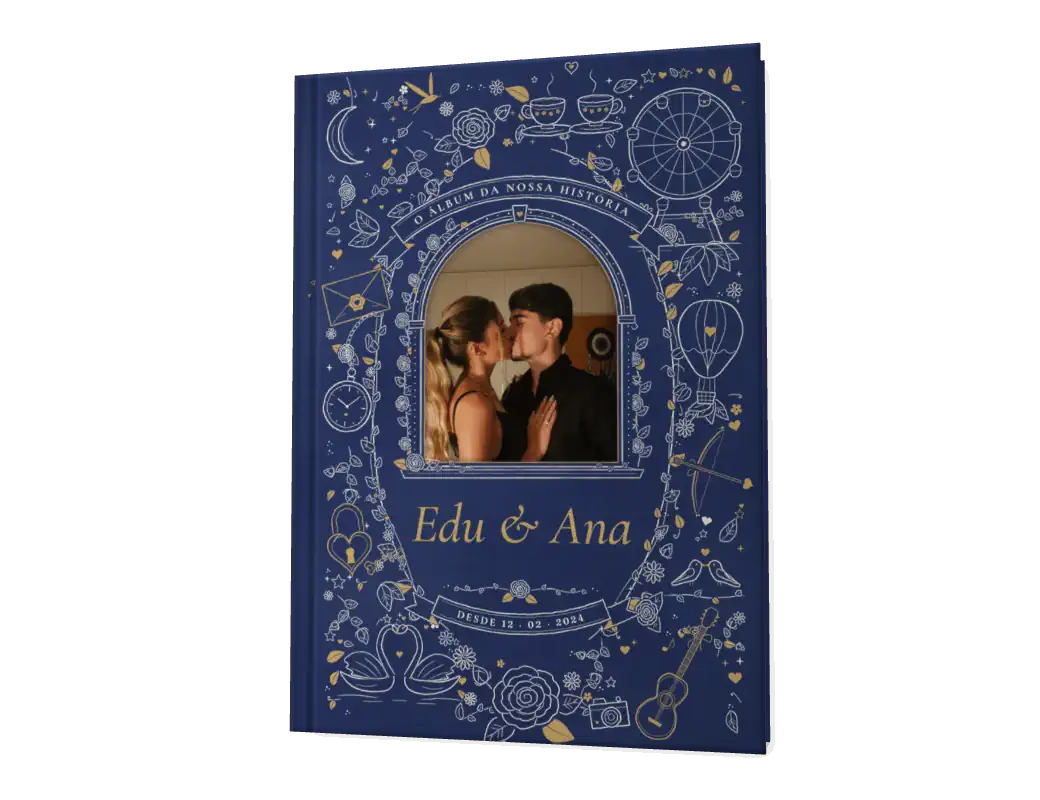
The cover
A cloth cover with the album's drawings in pen and ink around your photo, your names and the day it all began. You pick the color, the photo frame and the lettering.
How many photos to use, and in what order
More photos don't make an album better; they make it longer. According to LovePanda internal data (Sept 2026), the median is 7 photos per gift. What matters is that every photo has a story behind it. A practical rule: for every photo, you should be able to finish the sentence “this was the day we…”.
- Chronological order works for a dating anniversary and for your first year: the album becomes a timeline. There's a month-by-month plan in our 1-year anniversary photo album guide.
- Order by theme (trips, everyday life, special dates) works if you have lots of photos and years of history. See the couple travel album.
- Order by emotion — from funny to beautiful, ending with the letter — works for a surprise gift with no special date.
Out of captions? There are 130 ready-made ones, organized by page, in our couple photo album captions. And for the cover title, see our couple photo album title ideas.
How to deliver a digital photo album
- By text, at just the right moment: at midnight on their birthday, the minute your monthiversary hits or at the time of your first date.
- A QR Code on a card: print the code, write “open when you have a little time just for us” and put it in a box with a sweet treat or alongside a physical gift. There are more ideas in our guide to gifts with a QR Code.
- Flipping through it together, on the couch, with the sound on. Watching your partner turn the pages is half the gift.
- On a video call, if you're in a long-distance relationship: each of you opens it on your own phone and you turn the pages together, talking it through.
Common mistakes when making a digital photo album
- Dumping in every photo from your camera roll. An album is a selection; your partner already has a phone gallery.
- Forgetting to test the link on someone else's phone before you give it.
- Leaving the letter for last and rushing it. Write it first, then reread it after a night's sleep.
- Choosing a format your partner can't open, like a file too big to send in a text. A link is always lighter.
- Thinking it has to be long. An album with a few well-chosen pages says more than one stuffed with repeated photos.
Digital photo album FAQ
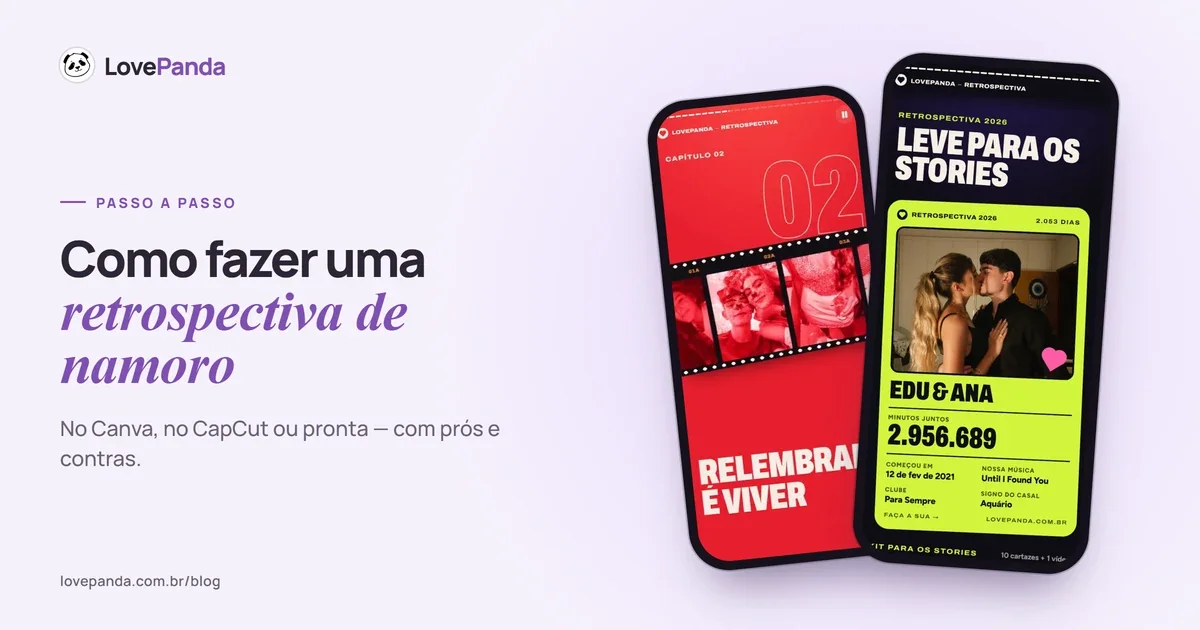
Still torn between an album and the Couple Retrospective, which tells your story in stories with your song playing? Our comparison Couple Album vs. Couple Retrospective will help you decide.

Written by
Equipe LovePanda
Especialistas em Presentes Digitais
A Equipe LovePanda escreve sobre os presentes que desenvolve: Retrospectiva e Álbum do Casal. Compartilhamos orientações de personalização, diferenças entre os formatos e ideias para entregar uma surpresa com a história de vocês. A LovePanda é a maior plataforma de presentes digitais do Brasil, com mais de 200.000 presentes criados desde 2024.
Explore our gifts
Discover our personalized digital gift options